

If you want to improve your SEO, you’ll probably have to invest a whole basket of money into your tech stack, right? Wrong! There is a great range of free SEO tools available online, which can help you boost your website’s SEO without you having to shell out for yet another subscription. Here are some of our favourite SEO tools you can use for free, from analytics and auditing tools to rank trackers, keyword generation and more.
Google Search Console
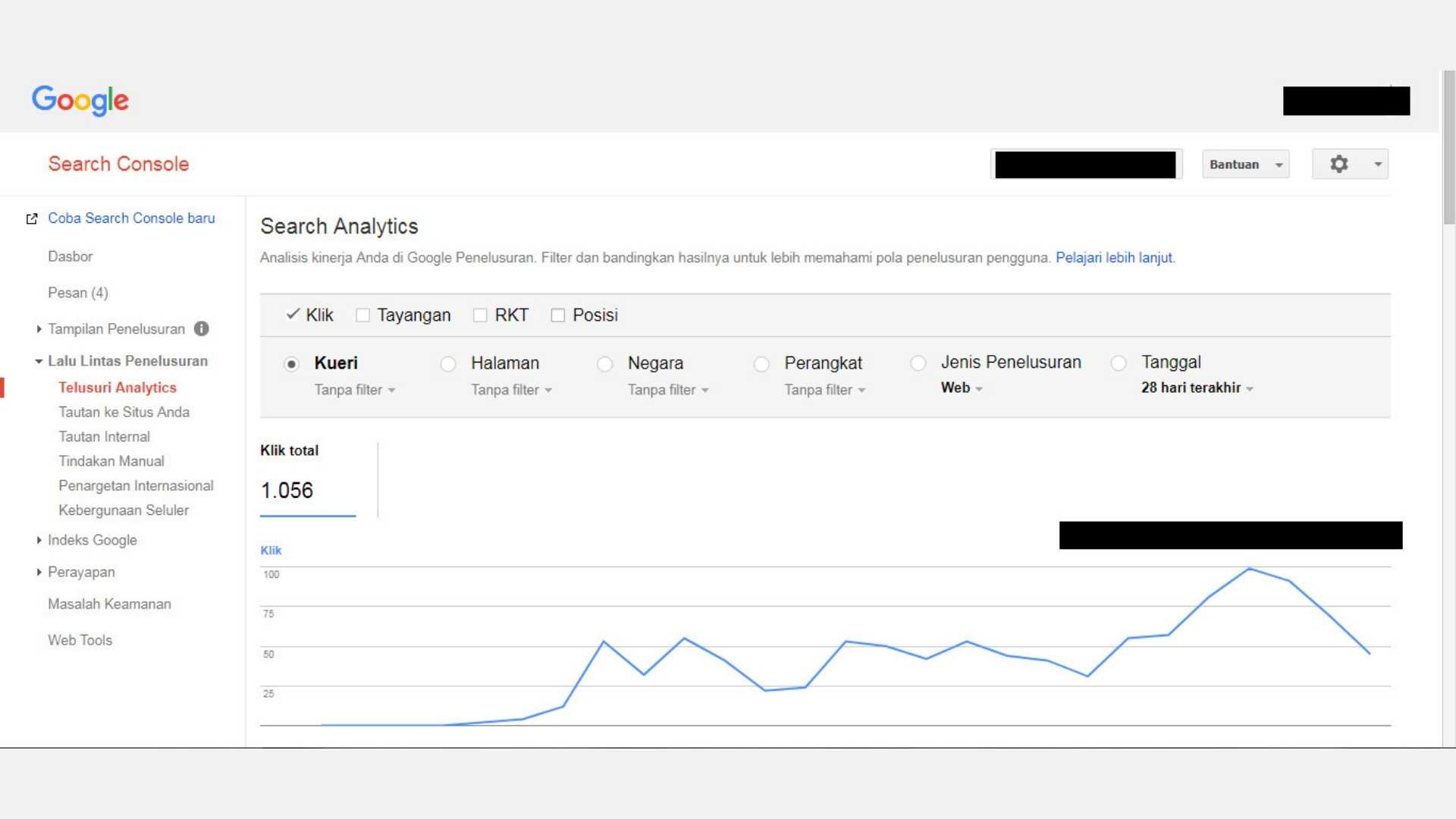
This is a good place for anyone to start – Google Search Console (GSC) is free to use and allows you to monitor your website’s SEO performance, from submitting your website to Google for indexing, tracking page performance, seeing what keywords your website ranks for, identifying and troubleshooting problems, website traffic analysis, and more. Google Search Console also provides insights into your website’s performance and offers tips on improving your SEO strategy. If you don’t use any other tools from this list, definitely use Google Search Console. You will need to connect your website to GSC and verify the ownership of your domain to get started – there are multiple ways you can do this, and Google can help you if you get stuck.
AlsoAsked
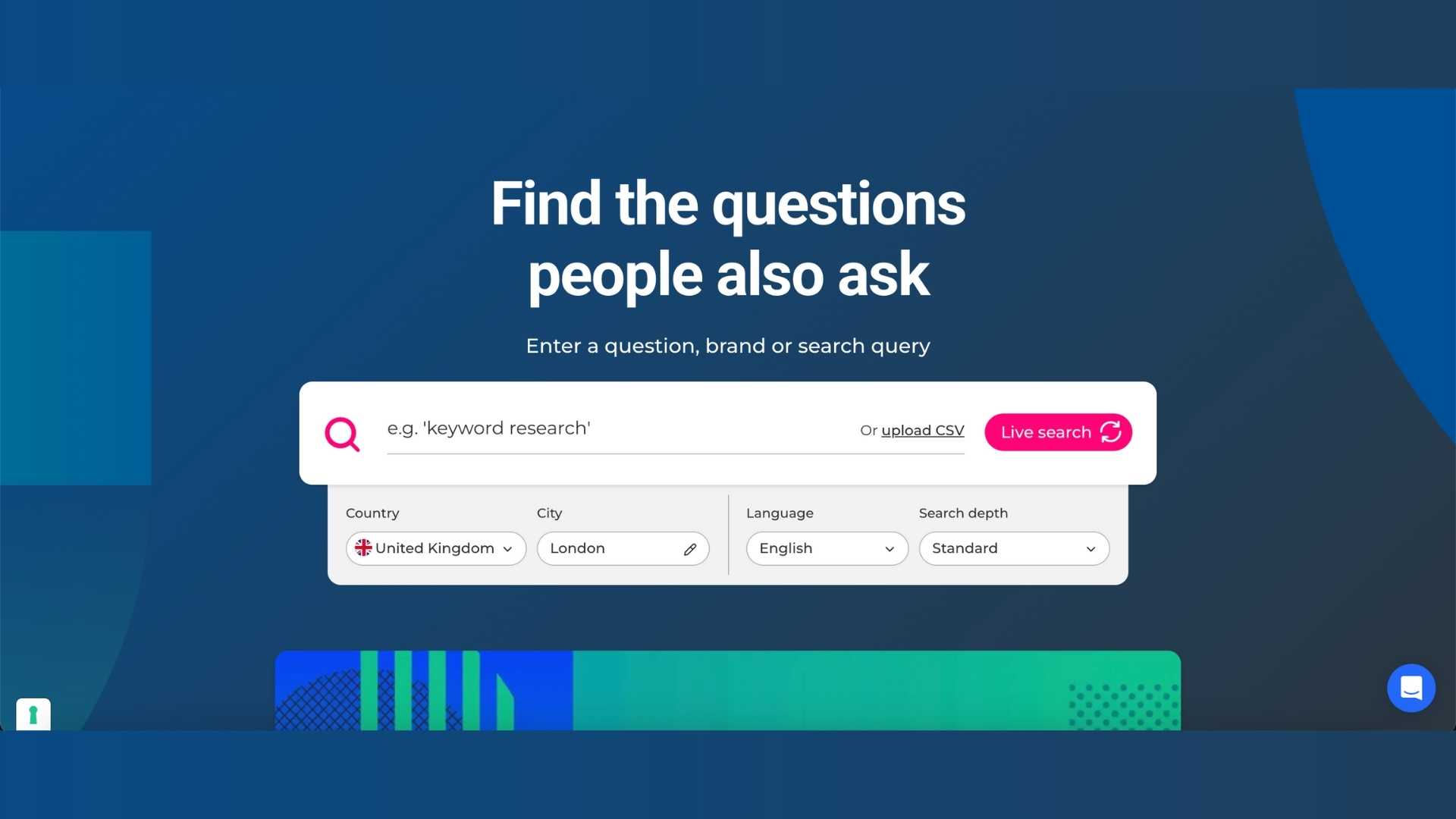
AlsoAsked is a handy website that gives you a list of questions people also ask during Google searches. Just type your chosen topic or search term into the search bar to get started. They source live data directly from Google’s ‘people also asked’ section of search results and serve it to you as a visual map with multiple different search intentions to help you find relevant questions and long-tail keywords. You can also filter results based on your location. If you are writing a blog, FAQ page or other written content, and want to find some SEO-friendly topics or subheadings that relate directly to what people are searching for, AlsoAsked is an ideal, fuss-free tool. You can download your AlsoAsked results as a PNG or, if you get the paid version, as an Excel sheet. You get three free searches a day on AlsoAsked, or you can opt for the paid version if you need to use it more than this.
Ahrefs Free SEO Tools
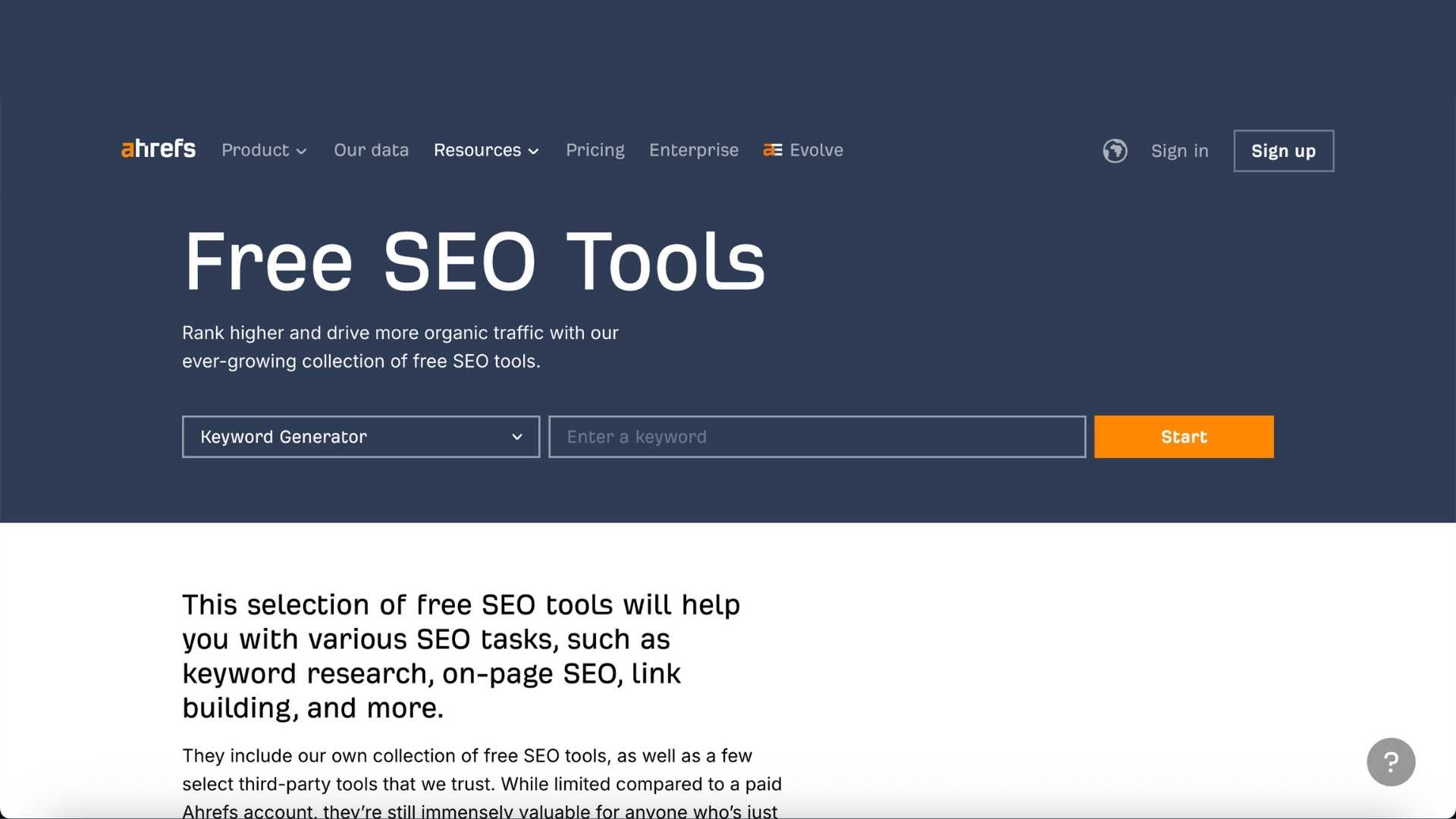
Ahrefs has a selection of free SEO tools that are especially helpful for anyone just getting started in SEO or a small business looking to keep things lean while they grow. These tools are somewhat limited compared to their paid versions, but are just right for most basic SEO tasks. Their keyword generator can be used for Google, Bing, YouTube and Amazon, results can be filtered by country and also provides some common questions about your chosen keyword. Their keyword difficulty checker is handy for checking how easy (or not) it is to rank in the top 10 search results for a particular keyword. The Ahrefs website traffic checker lets you see traffic estimates from any URL or webpage, which you can do for your website or for competitors. This tool provides the top 5 countries where visitors are based, the top 5 keywords the page is ranking for, and the traffic value – although, bear in mind these are just estimates. Their backlink checker allows you to check any URL to see who is linking to your (or your competitors) website, including their domain rating, total number of backlinks and linking websites. Use this tool to check competitors’ URLs and plan out your own link-building tactics, look for new or lost backlinks, or identify and disavow spammy backlinks from low-quality websites.
FAQ: How do I disavow a backlink?
You might see some surprising results when you use a backlink checker – if a link looks overly spammy or low quality (see an example below), visit the webpage and take a closer look. If it doesn’t link to the page it describes, then it is probably a thin affiliate and could even hurt your SEO. You can disavow these kinds of backlinks using this Google Search Console tool, although even Google itself warns about using this tool with caution. We would only recommend doing this if you have noticed a dramatic dip in your traffic for a particular URL or get a warning about ‘unnatural links’ on Google Search Console.
PageSpeed Insights
PageSpeed Insights is another tool from Google that can help you check the speed at which your website loads – a huge but often overlooked part of SEO. It will also provide helpful tips on improving your website’s loading speed and an explanation on how to implement them. PageSpeed Insights does contain a bit of jargon that might be hard to understand, such as ‘first contentful paint’, but all this means is the time it takes for the browser to display the first piece of content on the page, such as a logo, image or loading animation.
Google Trends
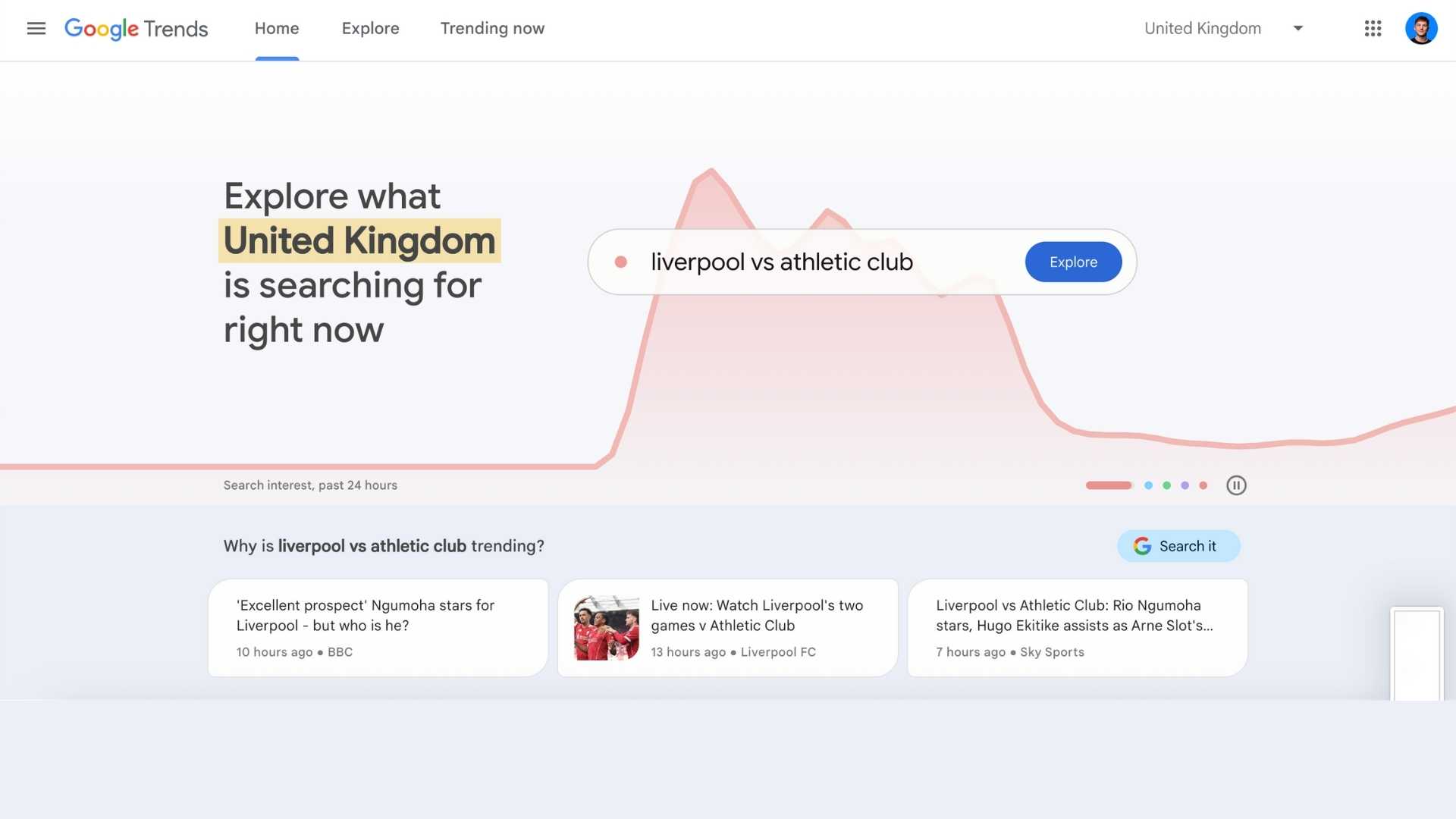
Google Trends allows you to analyse the popularity of a keyword over time and compare the performance of up to 5 keywords at once. You can even filter by country and city for local search results and get more keyword suggestions from related topics. Use Google Trends to identify opportunities for content creation, find trending topics, monitor competitors and more. You can also cross-reference your data from Google Trends with your Google Search Console data and other analytics tools for a deeper understanding of your current SEO strategy.
Whether you’re just getting started with SEO or looking to sharpen your strategy without breaking the bank, these free tools are a great place to begin. From tracking performance with Google Search Console to finding content ideas with AlsoAsked and Google Trends, there’s no shortage of free resources out there. With the right mix of insights and consistency, you can start improving your search visibility today.
These tools should help you start improving your website’s SEO without investing in paid software and subscriptions. If you need more help with SEO, aren’t sure where to begin or simply don’t have time to do it properly, get in touch with Identity Agency here, and we can help.


Related articles:
Discover more from Identity Agency with related posts that offer valuable insights, tips, and industry trends to keep you inspired and informed.